← Back to home

The touring season on the phone

Updated on 2026-11-01

For:Touring operator guide

What you will do

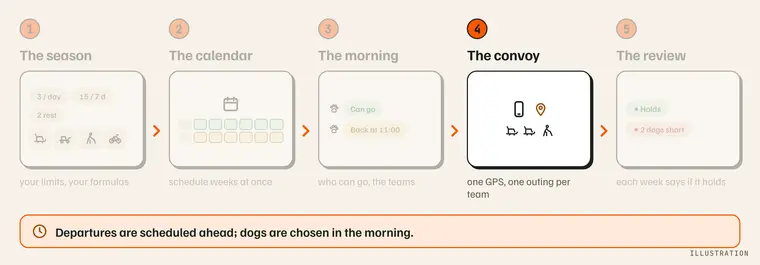
The operator's path, with "The convoy" step forward: one GPS, one outing per team. Illustration.

What you need

  • The MushMate app on your phone, synced.

Step by step

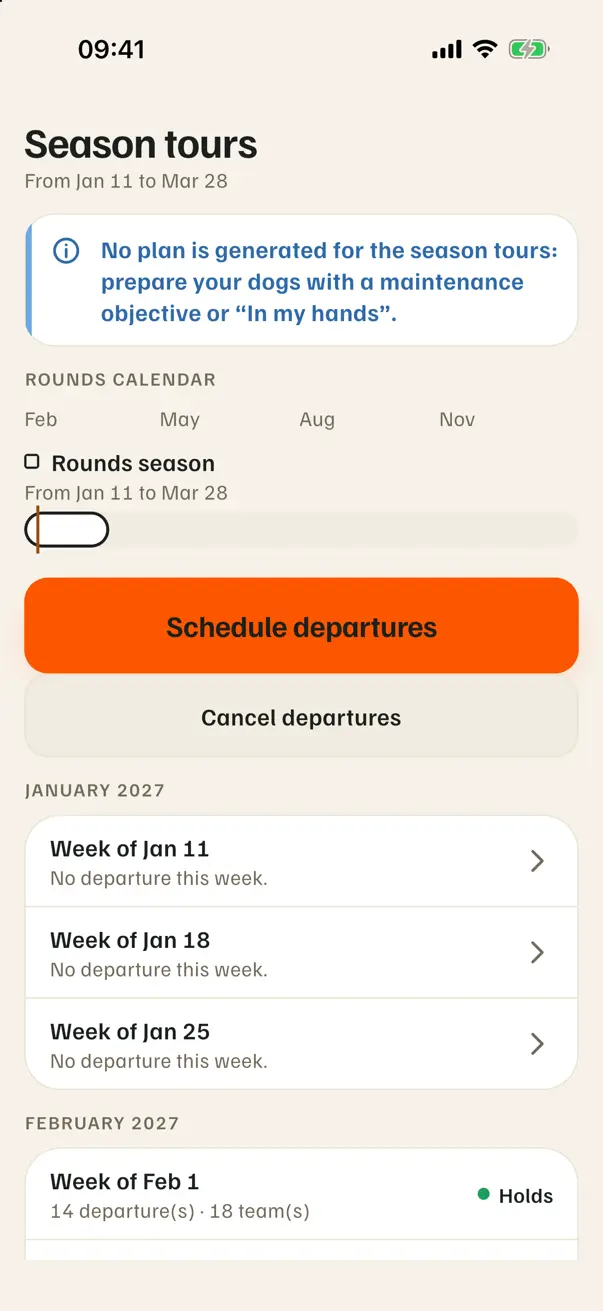
  1. The season: its timeline, then its weeks, each with its state. The season on the phone: the timeline, "Schedule departures", the weeks.
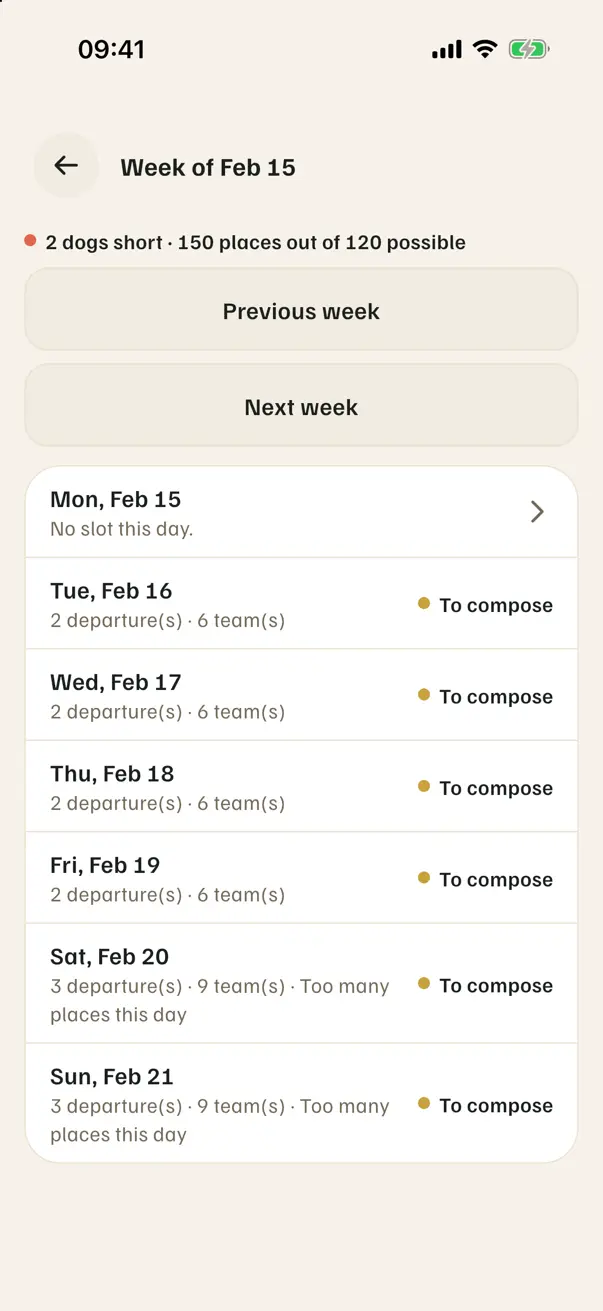
  2. A week: seven days, "Out of season", "To compose", "Too many places this day". A week short of dogs: "2 dogs short".
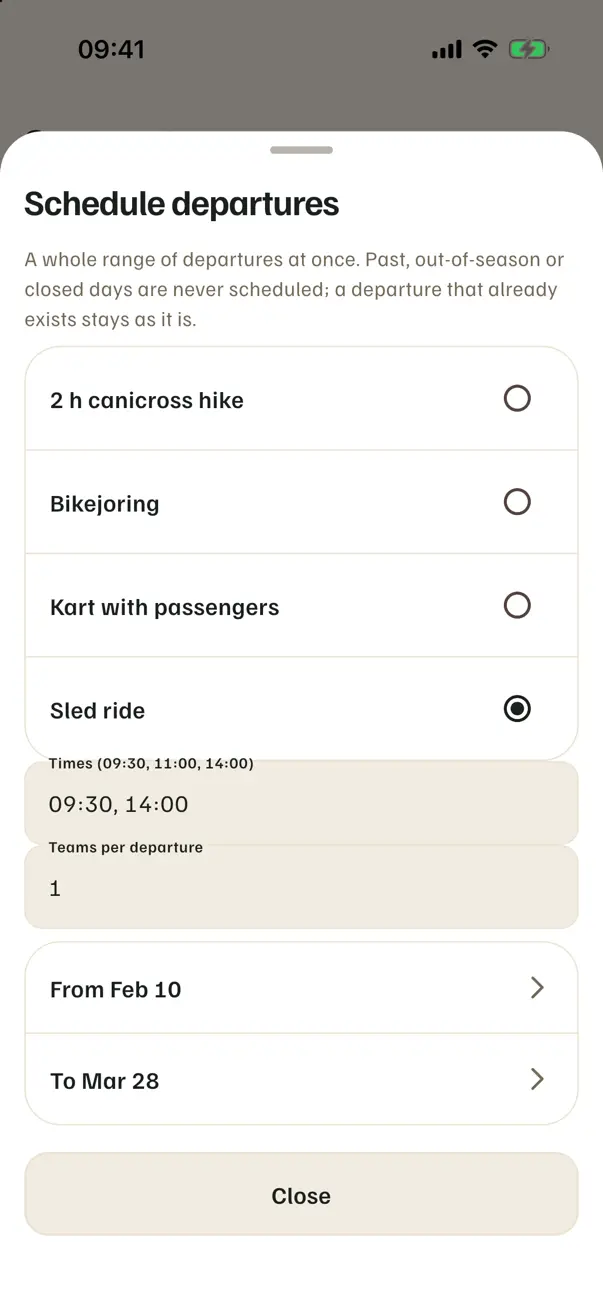
  3. Schedule from the phone, with the same preview. The "Schedule departures" sheet.
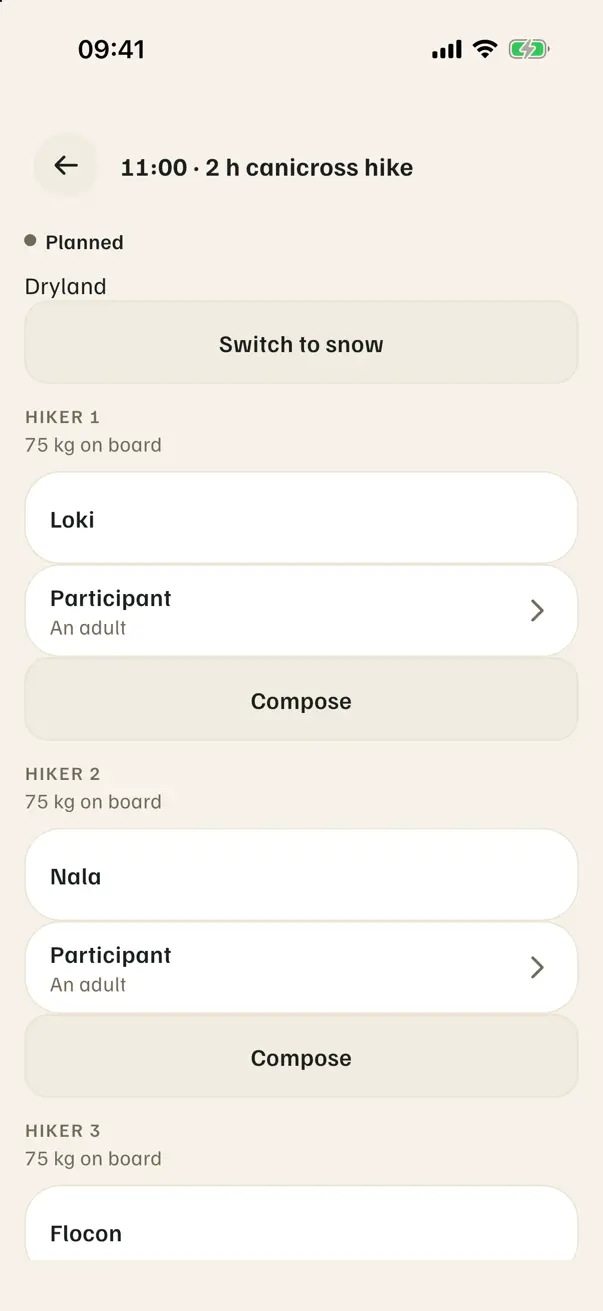
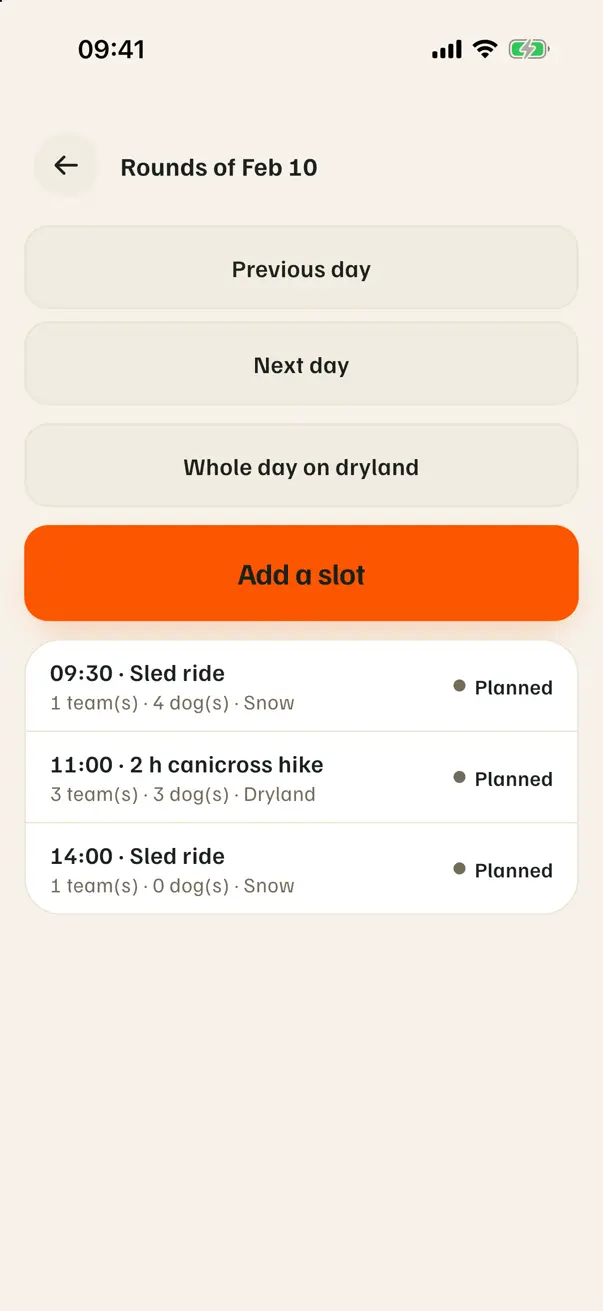
  4. The day, then a departure: a canicross hike has its "Hiker 1, 2, 3". The day: its departures. A canicross hike: one participant per hiker, no lead.
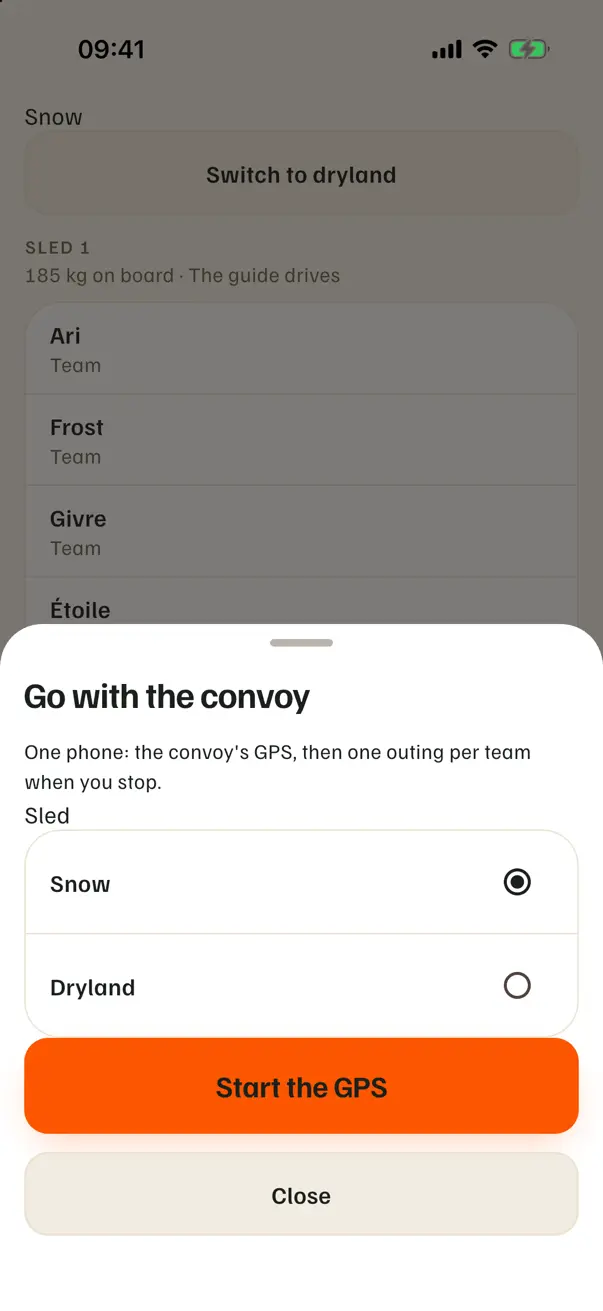
  5. "Leave with the convoy": the formula's activity, the surface, then the GPS. The departure sheet: the activity, the surface, "Start GPS".
What you should see

  • When you stop, one outing per team, each in its activity.

What it does not do

  • Gestures (schedule, compose) need the network; reading works offline.
  • The kennel's closed days don't show on the phone (they are still skipped).

If something goes wrong

  • "The limits are not on this phone yet": sync.

Going further