What you will do
Declare a litter, follow it from mating to whelping, then to weaning: a single place, Breeding, where each step is set with a button and where the expected due date calculates itself.
What you need
- A breeding or mixed kennel (the kennel's profile, chosen when it is created and editable in Settings): the Breeding section sits under "Kennel".
- A female in your kennel: only the dam is required. The sire is optional.
- The owner role to correct a date, delete a litter or publish it.
Step by step
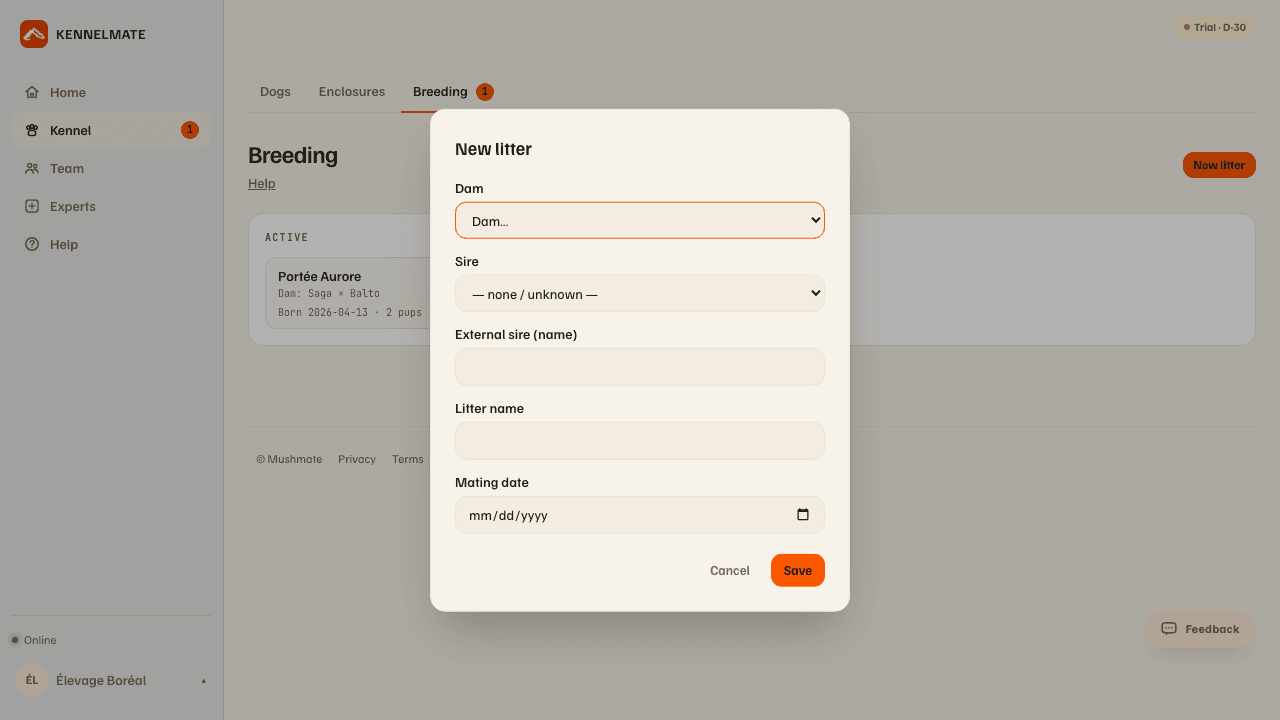
- Open Kennel › Breeding and click "New litter". The form opens.
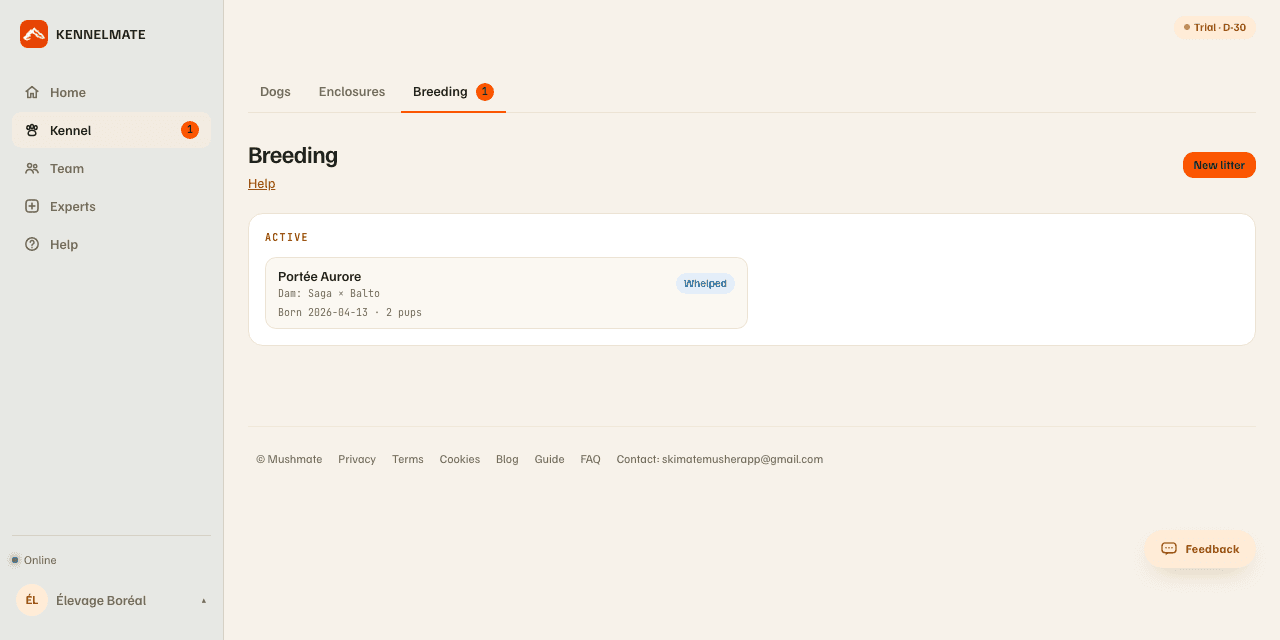
- Pick the dam (a female of your kennel). The sire is a male of the kennel, or a name typed by hand in "External sire (name)" for an outside mating; if you fill in both, the kennel's dog is the one shown everywhere.
- Optionally name the litter and enter the mating date, then "Save". The mating date calculates the expected due date (mating + 63 days): the litter's card shows "Mated" and a countdown ("D−33").
- Confirm the pregnancy: open the litter and click "Confirm (ultrasound)". Today's date is set on the step.
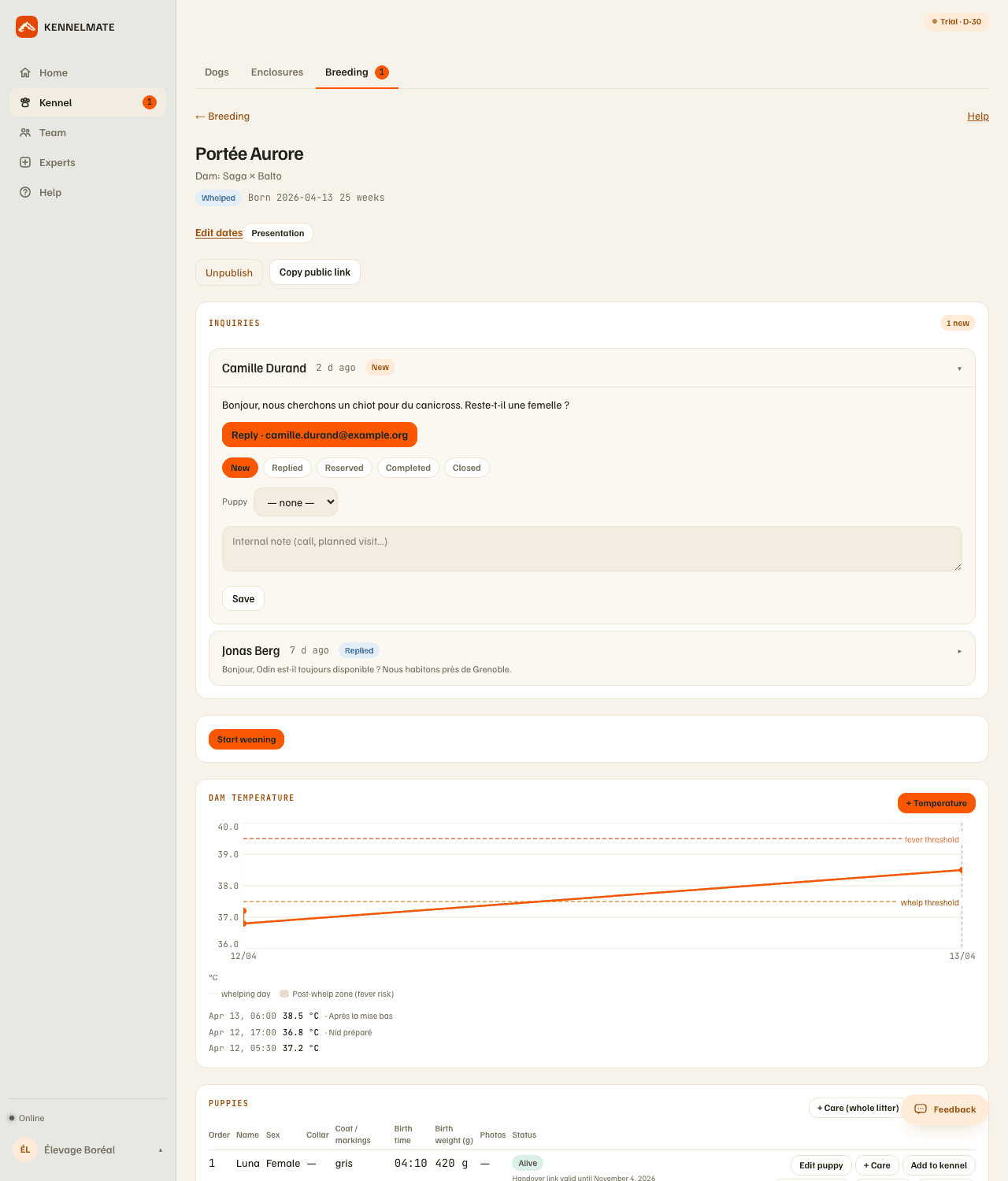
- At whelping, click "Record whelping" — from "Mated" or from "Pregnancy confirmed": the confirmation isn't a compulsory stop. The litter moves to "Whelped", with its birth date and its age in weeks.
- Log the mother's temperature with "+ Temperature" (value in °C, date and time, note): the history shows on a chart.
- When the puppies wean, "Start weaning"; when they have all left, "Close". A reminder suggests it as soon as every puppy has left, been added to the kennel or died.
What you should see
- The litter under "Ongoing" on the Breeding page, with the dam, the sire, its status, the countdown to the due date (or the delay once it has passed), then the whelping date and the number of puppies alive.
- An alert on the card as soon as a signal justifies it: fever, whelping imminent, weight loss, slow growth.
- On the Dashboard, in the "Reproduction" card: heats in progress or coming, the next whelping and buyer inquiries not yet handled.
- In the "Mother's temperature" block: a drop below 37.5 °C before whelping signals an imminent birth (within about 24 hours); above 39.5 °C in the 7 days that follow, a fever — see the vet.
What others see
- The other members of your kennel see the litter and its puppies according to their role.
- Nobody outside the kennel until you publish the litter: see Publishing a litter. The private notes of the litter and of the puppies are never published.
What it does not do
- No litter without a dam from your kennel: the dam is picked among the females of your pack.
- The due date can't be corrected by hand: it is recalculated from the ovulation date if you entered it (+ 63 days), otherwise from the mating date.
- No date is invented: a step button sets today's date; for another date, use "Edit dates".
- A litter with puppies can't be deleted: deletion is no longer offered as soon as one puppy is recorded, so as not to take its weights and care with it.
- The reminder of a care already set to a precise date is never shifted automatically when you correct a whelping date: check it by hand.
If something goes wrong
- You confirmed by mistake: "Cancel confirmation" clears the confirmation date, without touching the mating date.
- A date is wrong: (owner) "Edit dates" — mating, optional ovulation, whelping. MushMate shows the gap in days before saving and offers to carry the shift over to the birth date of puppies already added to the kennel, rather than doing it silently.
- The litter is lost: "Mark lost", possible at any time before whelping.
- The litter was created by mistake: (owner, with no puppy at all) "Delete litter".
- A deliberate mating from Pens: moving an unneutered male into a "heat" pen that already houses a female in heat offers to confirm the mating, which immediately records a provisional litter (whelping in about 63 days): correct or cancel it from Breeding.
- On the phone, these gestures are in the litter's screen (Kennel › Litters): the "Litter cycle" section offers the allowed steps, and the owner's menu carries "Correct the dates…" and, for a litter with no puppy, "Delete the litter…".
Going further
- Adding the puppies, weighing them, caring for them: the next step, once the puppies are born.
- Publishing a litter: the public page and buyer inquiries.
- Breeding: the complete reference.